Square Business Cards

(1 customer review)

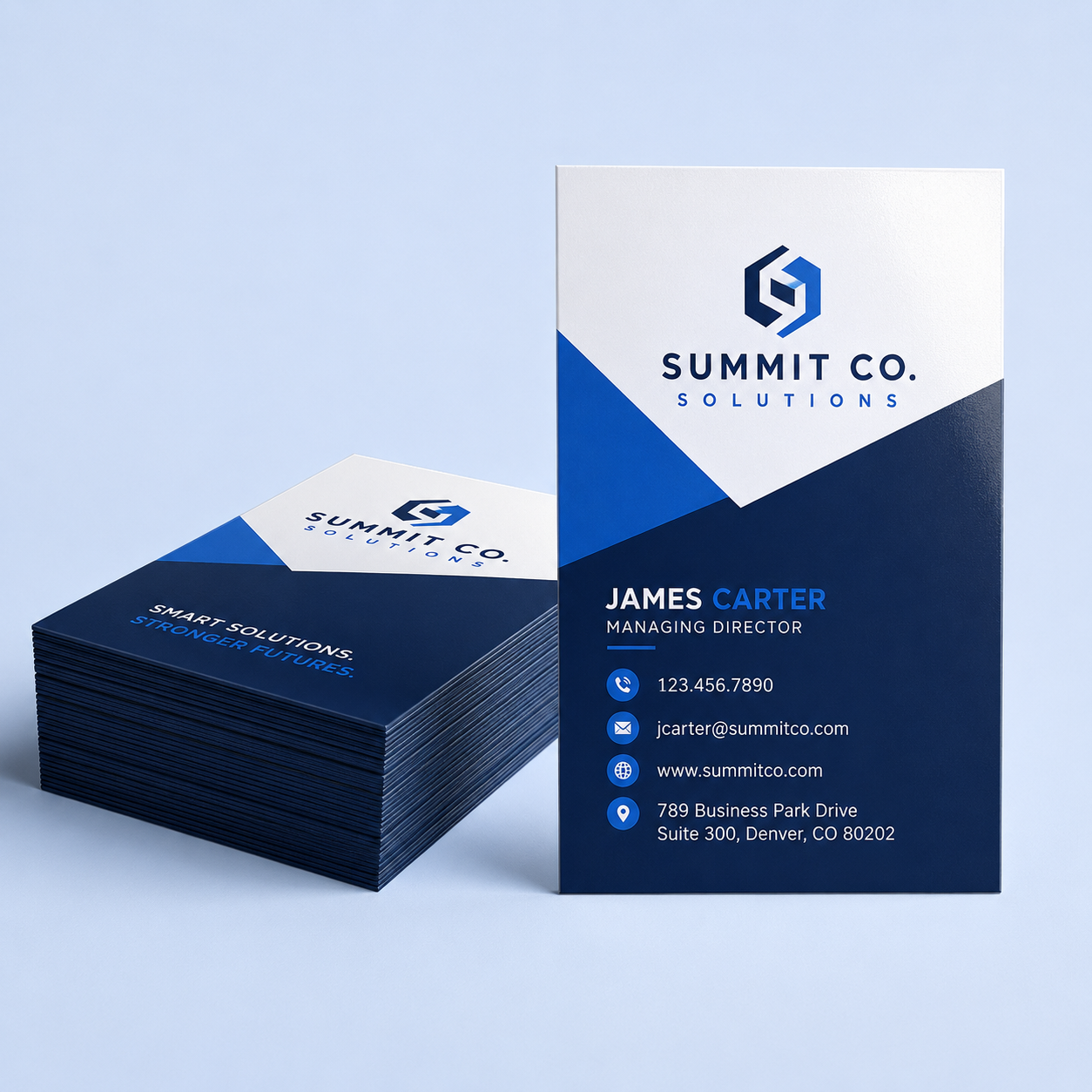
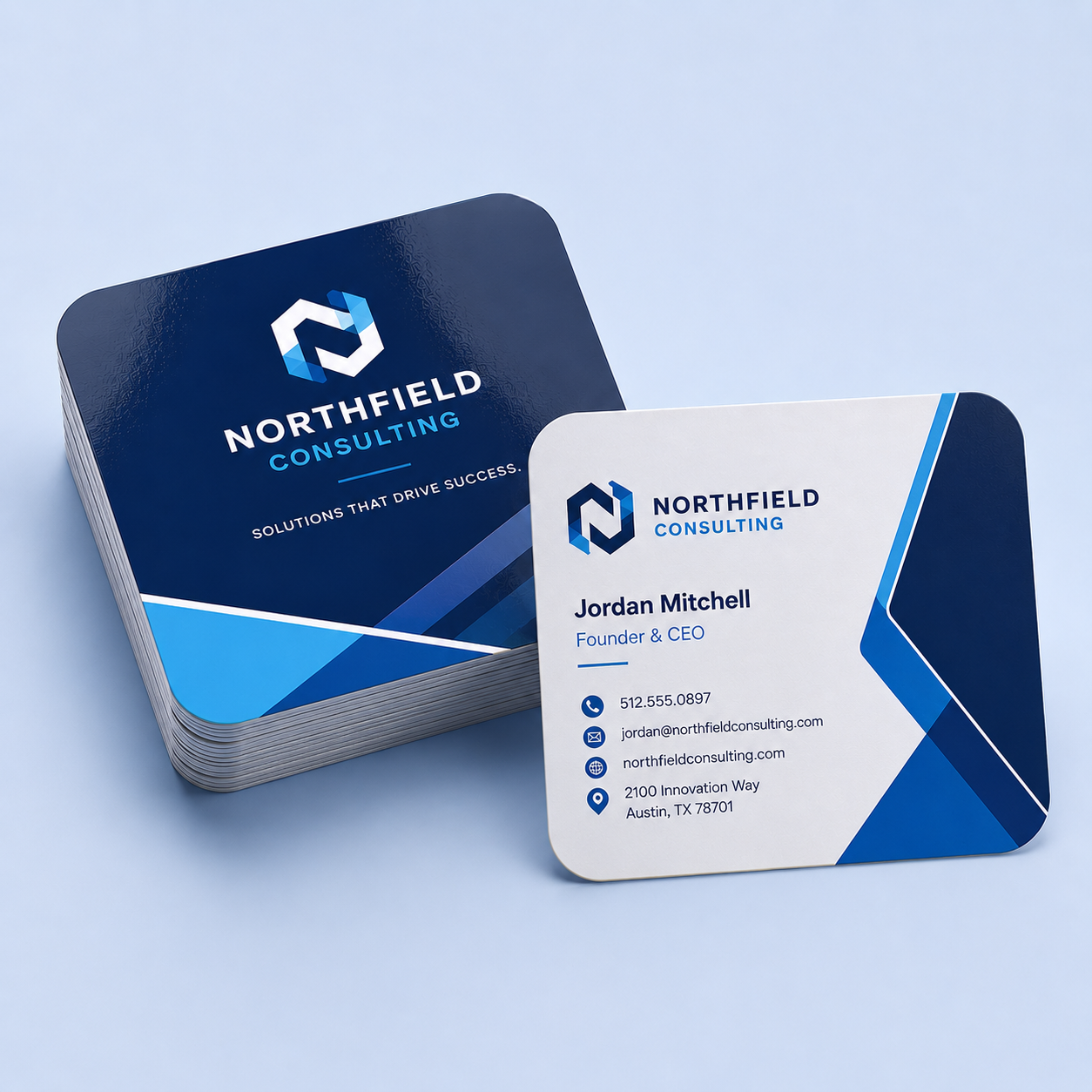
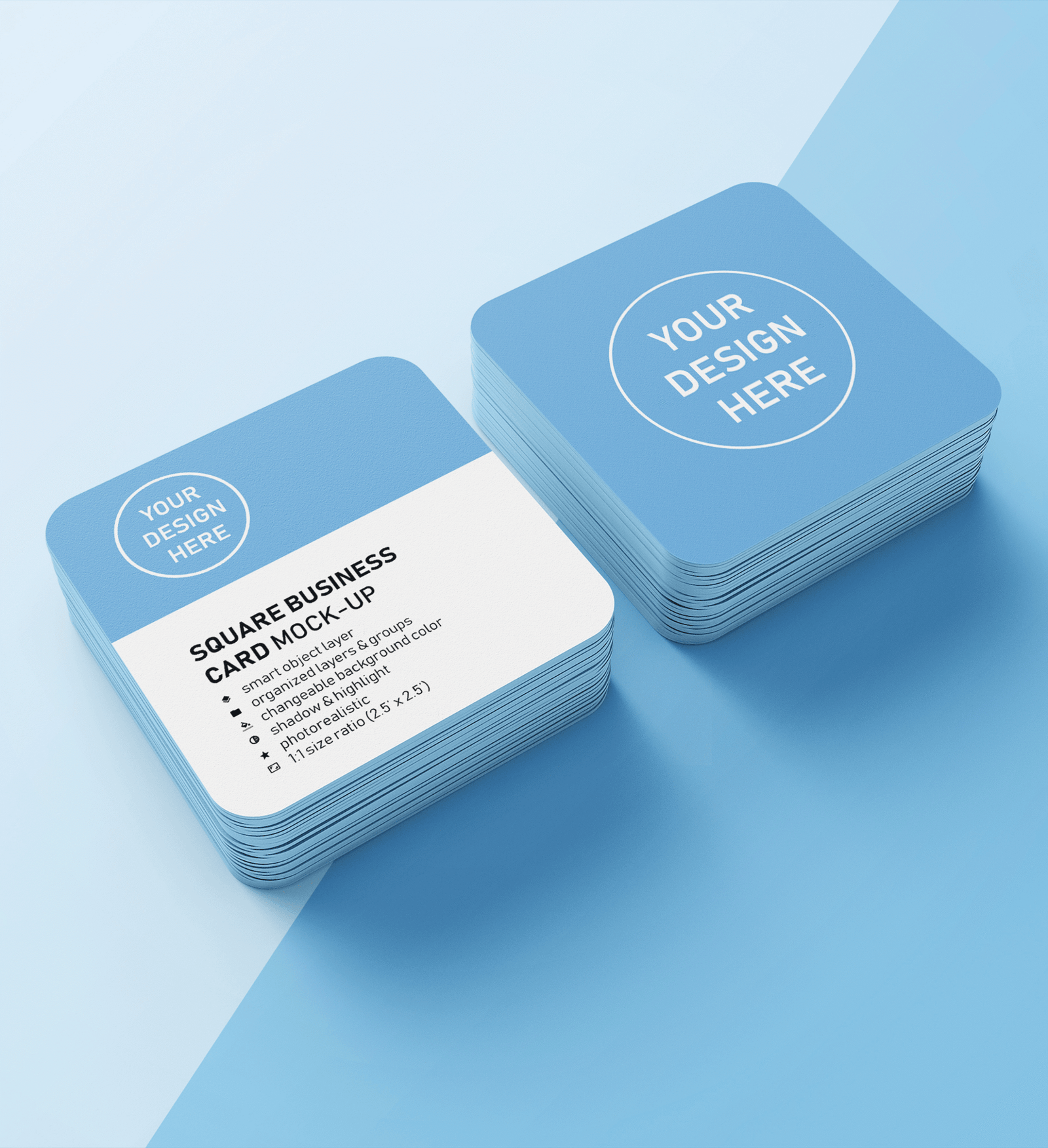
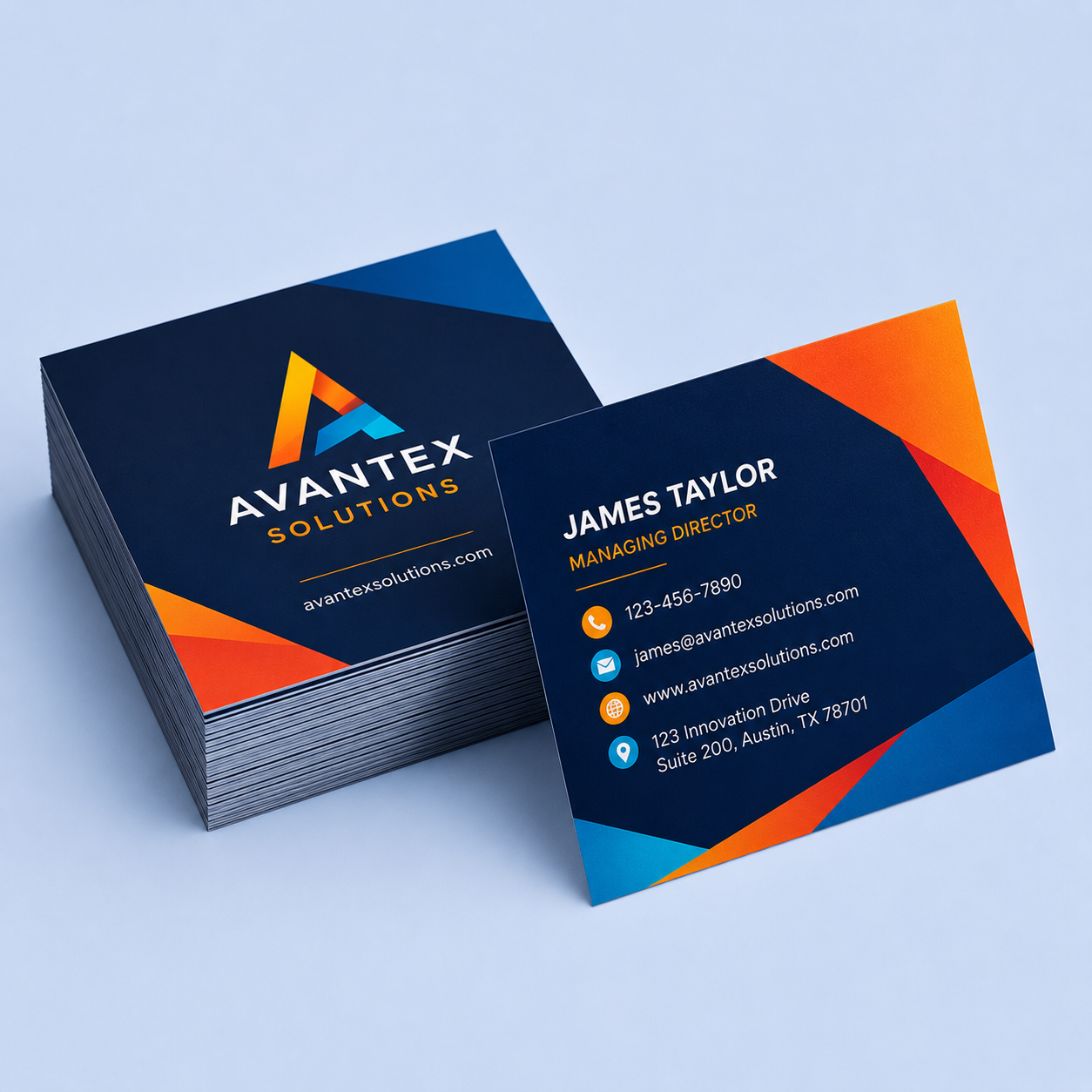
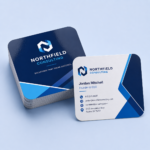
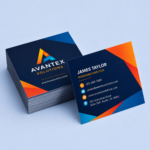
Custom square business cards printed in full color on premium 14 Pt and 16 Pt stocks. Choose 2″, 2.5″ or 3″, square or rounded corners, and print one side or both. A square card stands out in a stack of ordinary rectangles. Order from just 50 cards, with rush printing available.

Drag files here or browse
Product total
Options total
Grand total
Personalize
Category:
Description

Description

Square business cards break the pattern. When everyone else hands over the same 2″ x 3.5″ rectangle, a square card stops the shuffle and gets looked at twice. They read as design-forward, which is exactly why studios, salons, boutiques, photographers, and social-first brands reach for square business cards instead of the standard shape.

Three square business card sizes

Pick the footprint that fits your logo and how much you want to say:

  • 2″ x 2″ — compact and modern, great for a clean logo-and-handle card.
  • 2.5″ x 2.5″ — the middle ground, with room for a few more lines.
  • 3″ x 3″ — the statement size, ideal for QR codes, loyalty punches, or mini menus.

Because the card is square, there is no vertical-versus-horizontal to fight with — your layout simply centers on the shape.

Corners and sides

Keep crisp square corners for a bold, geometric look, or choose rounded corners to soften the edge and make the card feel more tactile in hand. Print the front only, or use both sides for a QR code, a second language, hours, or a map on the back.

Paper stocks

Choose 14 Pt. Standard for a smooth coated finish, 14 Pt. with an Uncoated Back when you want to hand-write on it, or step up to 16 Pt. Premium for the heaviest, most substantial feel. Every stock prints full color.

What you get

Order anywhere from 50 to 20,000 cards. Standard production runs 2 to 4 business days, and rush printing brings it down to 2 days when you are up against an event. Everything is printed in-house on our Konica AccurioPress production press in Morristown, Tennessee.

Before you pay, you will see a live proof of your artwork with the bleed, trim, and safe area drawn on top, so you know the corners and edges will cut clean. Designing from scratch? The Templates tab above has every square business card size ready in AI, INDD, PSD, PDF, and JPG.

Need a size, finish, or quantity you don’t see here?
We print far more than what is listed online. Tell us what you need and we’ll quote your custom job.
Request a Custom Quote

Design Guide

For the best results, set up your file to these specifications before uploading. Following them helps ensure accurate cutting, correct color, and a clean, professional print.

Document Size and Bleed

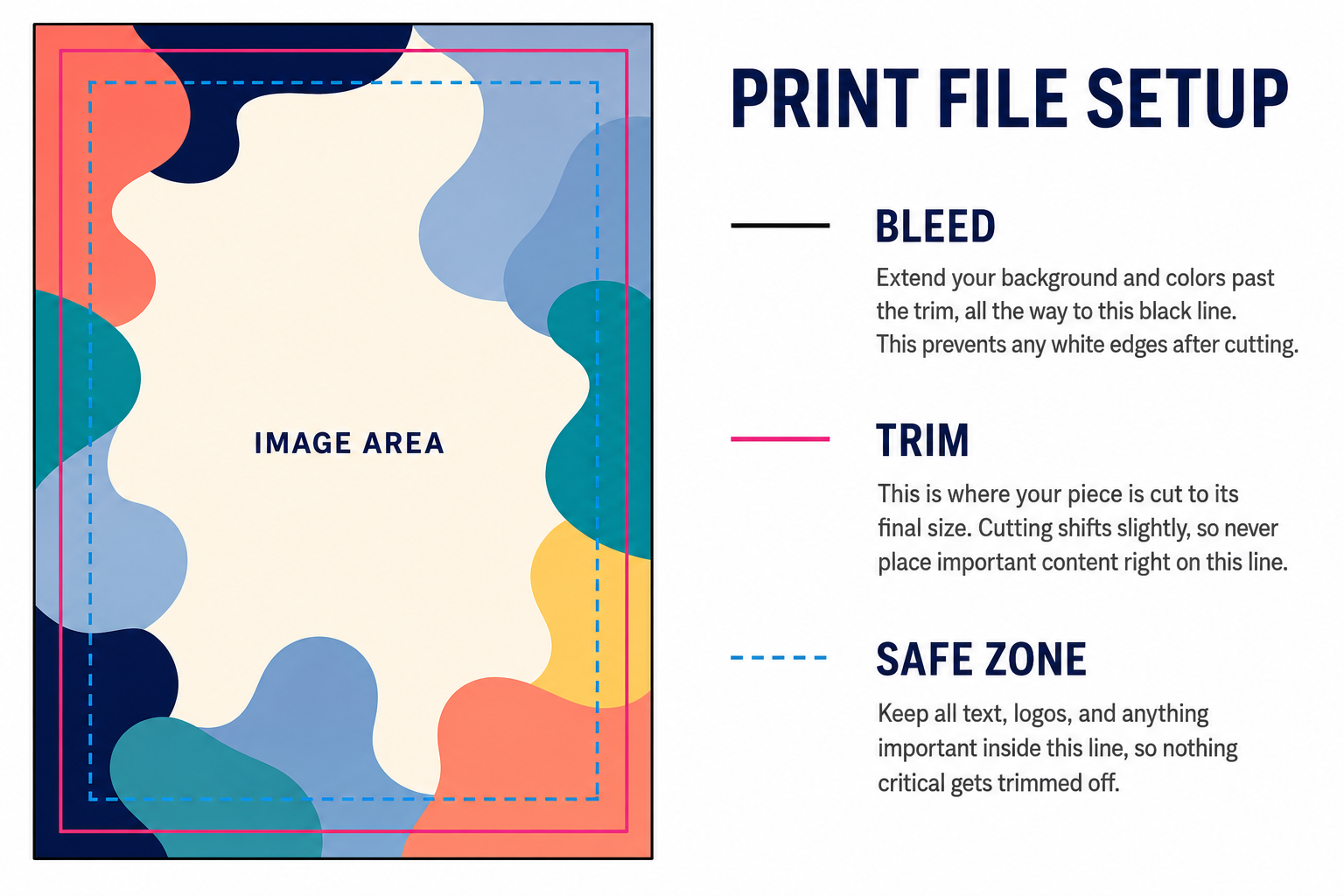
Build your file at your chosen square size, then extend the background past the trim so no white edge shows after cutting. The bleed and safe margins depend on the size and whether you choose square or rounded corners:

  • 2″ x 2″ and 2.5″ x 2.5″: extend the background 0.1625″ past the trim on every side, and keep all text and logos 0.18″ inside the trim. These two sizes use the rounded-corner geometry by default, whether you pick square or rounded.
  • 3″ x 3″, square corners: extend the background 0.05″ past the trim, and keep all text and logos 0.05″ inside the trim.
  • 3″ x 3″, rounded corners: extend the background 0.1625″ past the trim, and pull text and logos 0.175″ in from the trim. Rounded cuts need more breathing room so the curve never clips your content.

Print file setup diagram showing bleed, trim and safe zones

The easiest way to get this right is to start from our templates, which already have the correct guides drawn in for each size and corner style.

Image Quality

Create or place all images and graphics at a minimum of 350 DPI at final print size. Low-resolution artwork looks soft or pixelated once printed, and enlarging a small image will not add detail back.

Color Mode

Design in CMYK, the standard color format for commercial printing. Files built in RGB will be converted for print, and bright blues, greens, and neons can shift noticeably. Converting them yourself lets you see and correct those shifts before you order.

Color Profile

Use GRACoL2006_Coated1v2.icc. This is the profile our press is calibrated to, and designing in it is the closest you can get to seeing your printed result on screen before it is printed. Set it under Edit > Color Settings > CMYK in Illustrator, Photoshop, and InDesign, and keep it assigned when you export.

Blacks

For large solid black areas, use C60 M40 Y40 K100. Black on its own (K100) is semi-transparent and looks washed out across a big fill. For small text, thin lines, and fine details, use plain K100 instead, since rich black on small elements can cause colored fringing. This matters on business cards, where names, titles, and contact lines are usually small text.

Fonts

Convert all text to outlines before saving, or embed the fonts in your PDF. A font we do not have installed will be substituted, and your layout will change.

A Note on the Writable Back

If you chose 14 Pt. with Uncoated Back, leave the back blank or lightly printed. The uncoated surface is meant for handwriting, so heavy ink coverage on the back defeats its purpose.

Accepted File Formats

We support PDF, AI, EPS, PSD, TIF, TIFF, JPG, PNG, BMP, and GIF. Whenever possible, submit a print-ready PDF — it preserves your fonts, layout, and color settings better than any other format.

File Size Limit

Uploaded files must be 75 MB or smaller. If your file is larger, contact us and we will set up an alternative transfer method.

Start From a Template

The easiest path is to skip the setup entirely. The Templates tab above has every square size ready to download in AI, INDD, PSD, PDF, and JPG, with the bleed, trim, and safe area already drawn in for both square and rounded corners.

File Review and Proof

After you upload, you will see a live proof of your card with the bleed, trim, and safe area drawn on top — review it before you pay. Your file also goes through a brief pre-production check to confirm dimensions, bleed, and resolution. If we spot anything that could affect the print, we will reach out before moving forward.

Before You Submit

Files that are not set up to spec can delay production. Double-check your document size, bleed, resolution, and color mode before uploading, and when in doubt, start from a template.

Templates

Square Business Card Size Options

Size Templates
2" x 2" AI PS PDF ID JPG
2.5" x 2.5" AI PS PDF ID JPG
3" x 3" AI PS PDF ID JPG

Rounded Corners

Size Templates
2" x 2" AI PS PDF ID JPG
2.5" x 2.5" AI PS PDF ID JPG
3" x 3" AI PS PDF ID JPG
FAQ
What sizes do square business cards come in?

Three square sizes: 2" x 2", 2.5" x 2.5", and 3" x 3". Since the card is square, there is no vertical or horizontal orientation to choose.

Can I get rounded corners on a square card?

Yes. Every square size is available with square or rounded corners. Rounded corners use a slightly larger safe margin, which the downloadable templates already account for.

What paper stocks are available?

Three stocks: 14 Pt. Standard, 14 Pt. with an uncoated back for writing on, and 16 Pt. Premium for the heaviest feel. All print in full color, front only or both sides.

Can I order square cards I can write on the back?

Yes. Choose the 14 Pt. with Uncoated Back stock: the front prints in full color while the back is left uncoated, so pen and marker write cleanly without smearing or beading up. It is the go-to option for appointment cards, loyalty punch cards, membership and rewards cards, and any square card where you or your customer needs to jot down a date, a name, or a quick note by hand. Keep the back blank or lightly printed so there is room to write.

How fast can I get them?

Standard production is 2 to 4 business days. Rush printing brings it down to 2 business days. Shipping time is added on top and depends on your address.

Why choose a square card over a standard one?

A square card is a design choice: it stands out in a stack of standard rectangles and suits logo-driven, social, and boutique brands. Note it will not fit a standard wallet card slot — that trade-off is part of the look.

Do you offer free templates for square business cards?

Yes. Every square size (2" x 2", 2.5" x 2.5", and 3" x 3"), in both square and rounded corners, has a free downloadable template with the bleed, trim, and safe area already drawn in. Each one comes in AI, INDD, PSD, PDF, and JPG, so your file is print-ready the first time. Download them from the Templates tab above.

Reviews (1)

1 review for Square Business Cards

  1. sigpassociates@gmail.com

    Perfect

Only logged in customers who have purchased this product may leave a review.